Sometimes a video already has subtitles in another language, but the spoken audio is still in the original language. This can make the video harder to understand for viewers who prefer listening instead of reading.
In Reports.re Video Editor, you can turn subtitles into a natural sounding voiceover using AI. This allows you to quickly add narration that matches the subtitle language without recording new audio.
View the full showcase here:
Turn Subtitles into Voiceovers
Voiceover Subtitles allow subtitle text to be converted into spoken narration.
For example, you may have Spanish subtitles that were translated from English, while the video audio is still in English. With this feature, those Spanish subtitles can be turned into a Spanish voiceover.
This makes it easy to create a localized version of the video.
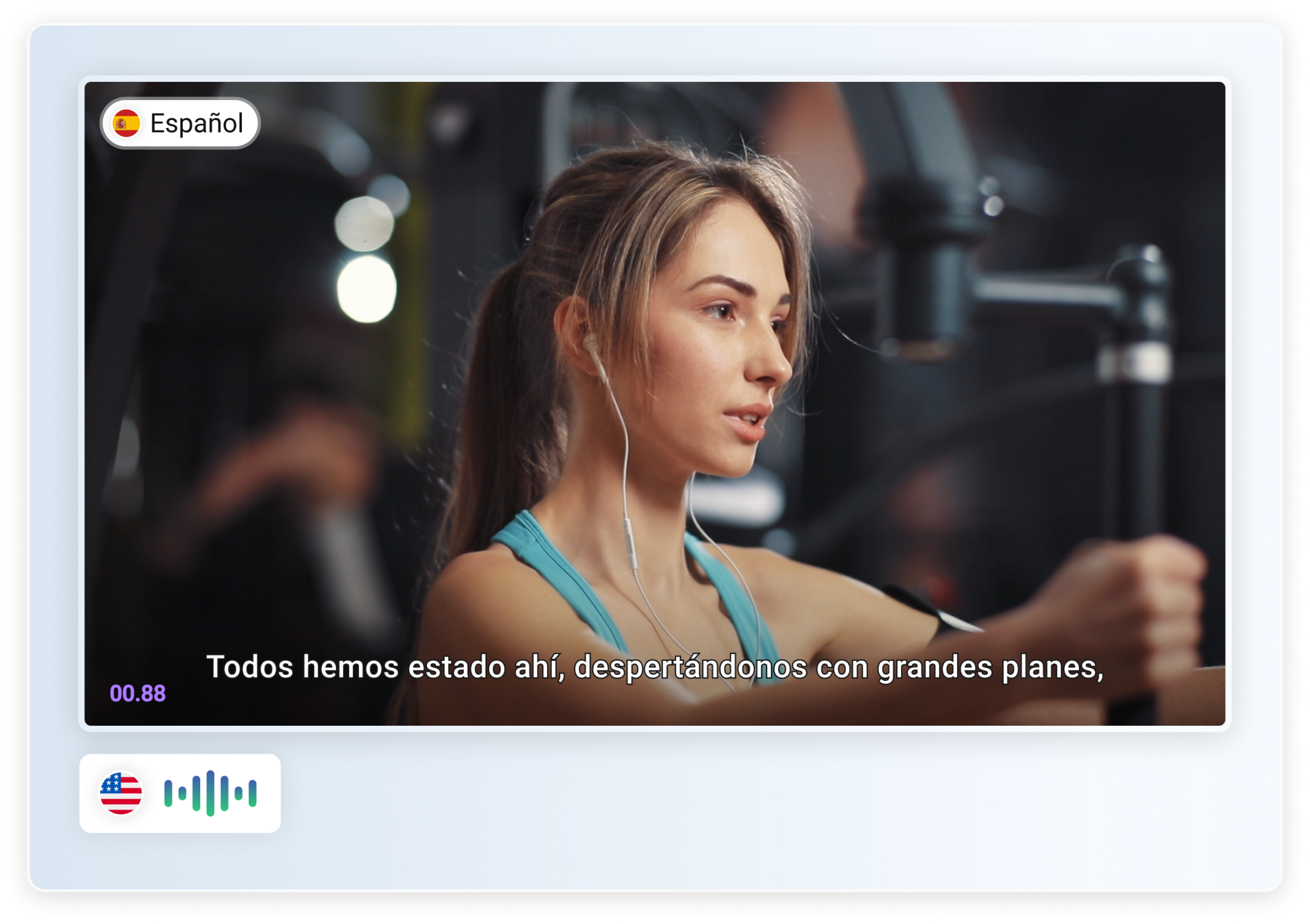 Video with Spanish subtitles but still in English voice over.
Natural AI Voices for Your Video
Reports.re provides AI voices that read your subtitles and convert them into narration.
After selecting an AI voice, the system generates a voiceover that matches the subtitle language. The result is a clear and natural sounding narration for your video.
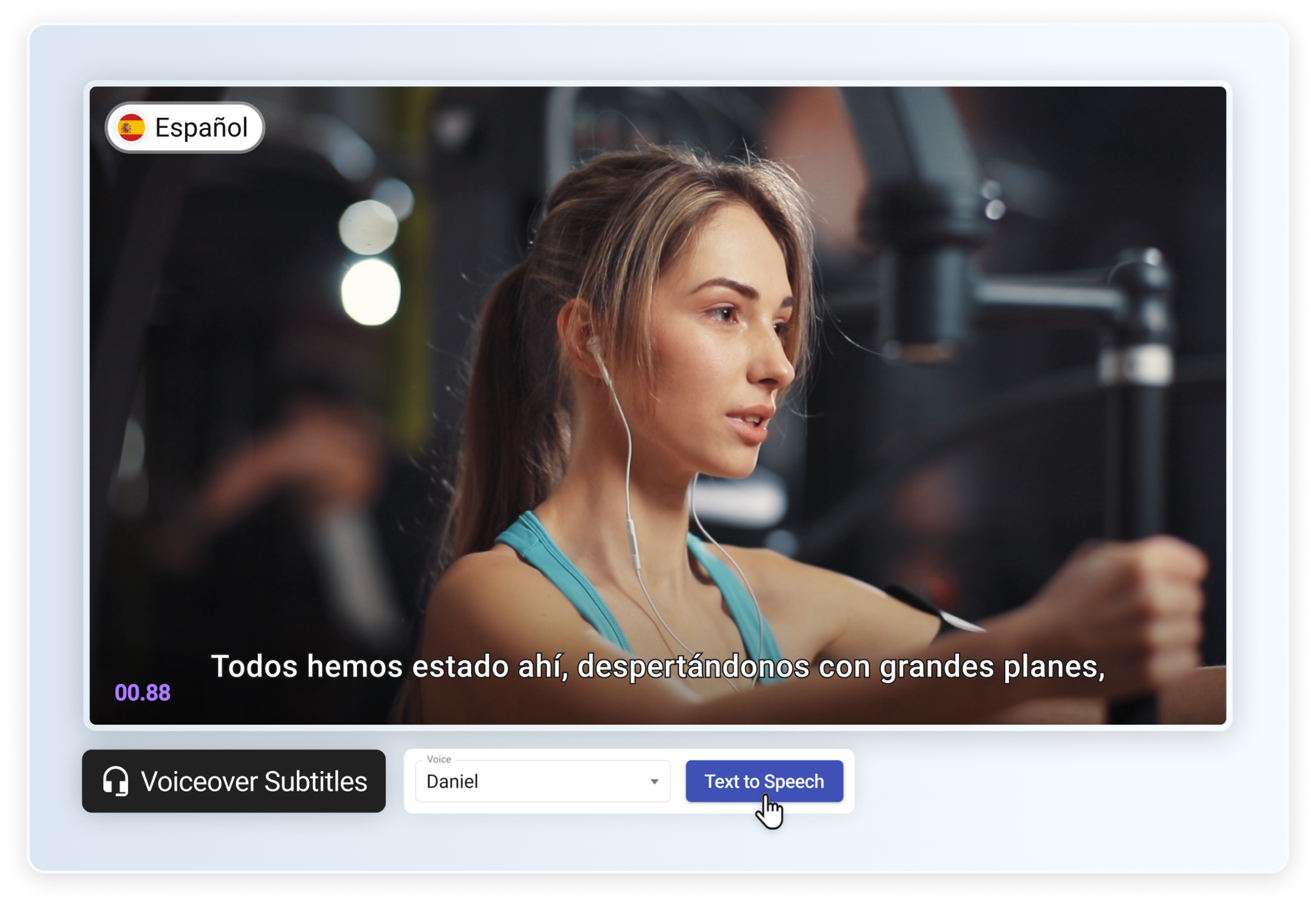 Choosing an AI voice for subtitle narration.
Automatic Voiceover from Subtitle Text
The system processes the subtitle text and creates a voiceover track for the video.
This means you can add narration without recording audio or using external tools. The subtitles and voiceover work together to deliver the message more clearly.
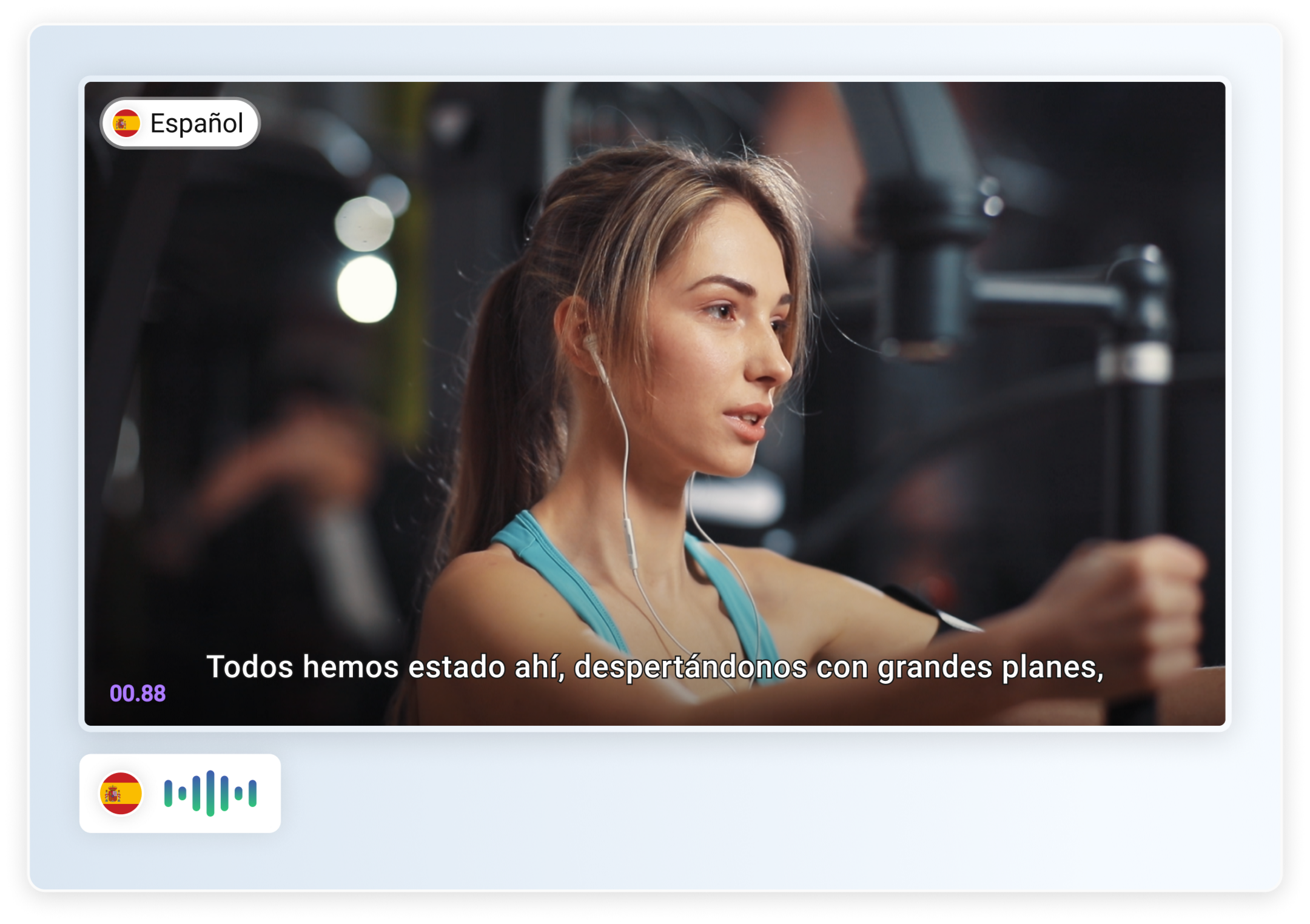 Video with Spanish voiceover generated from subtitles.
Add Narration to Multilingual Videos
Voiceover Subtitles make it easy to turn subtitle text into spoken narration.
With this feature, you can:
- Convert subtitles into voiceovers
- Add narration in different languages
- Create more accessible videos for your audience
This helps you produce multilingual video content faster while making your videos easier to understand.