When working on multiple projects, tasks, and conversations, switching between sections can slow down your workflow. Reports.re makes this easier with Shortcuts, a feature that keeps your most important items in one place.
By marking items as shortcuts, you can quickly access the things you use most without searching through different sections.
View the full showcase here:
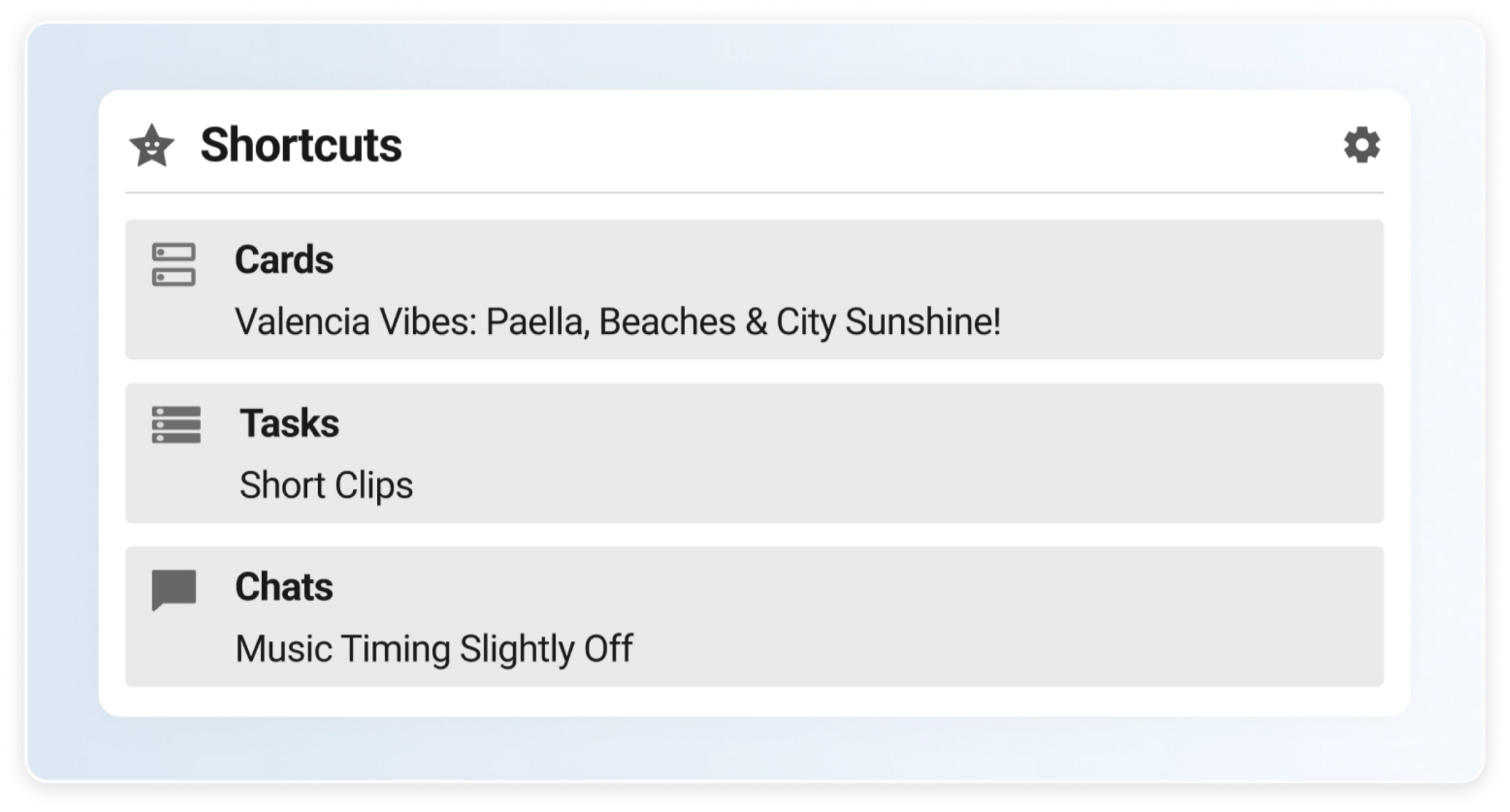 Shortcuts panel displaying saved items.
Keep Important Items in One Place
Shortcuts allow you to save frequently used items for quick access.
This can include:
- Project cards
- Tasks you are currently tracking
- Ongoing chats or discussions
Once marked as a shortcut, the item becomes easy to access whenever you need it.
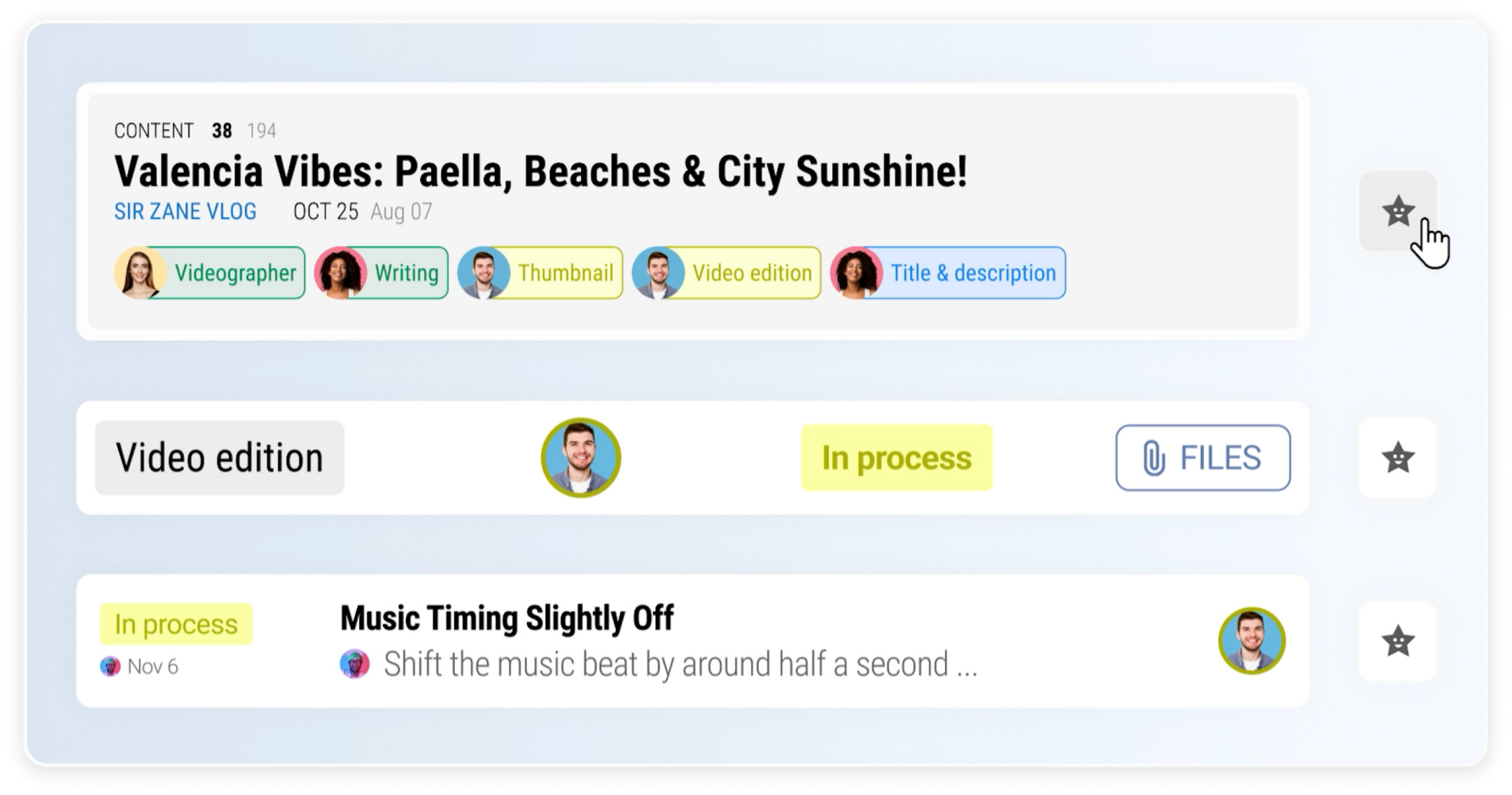 Adding an item to Shortcuts.
View All Your Key Items at a Glance
Items that you mark as shortcuts appear together in a single view.
This makes it easier to see what matters most in your workspace without navigating through multiple pages. Your important cards, tasks, and chats stay organized and ready to open.
 Overview of saved shortcuts in the workspace.
Access Your Shortcuts from Anywhere
Shortcuts are available from anywhere in the Reports.re workspace.
Instead of searching through sections or switching between pages, you can open important items instantly. For example, you can quickly open a task to review clips prepared by video editors.
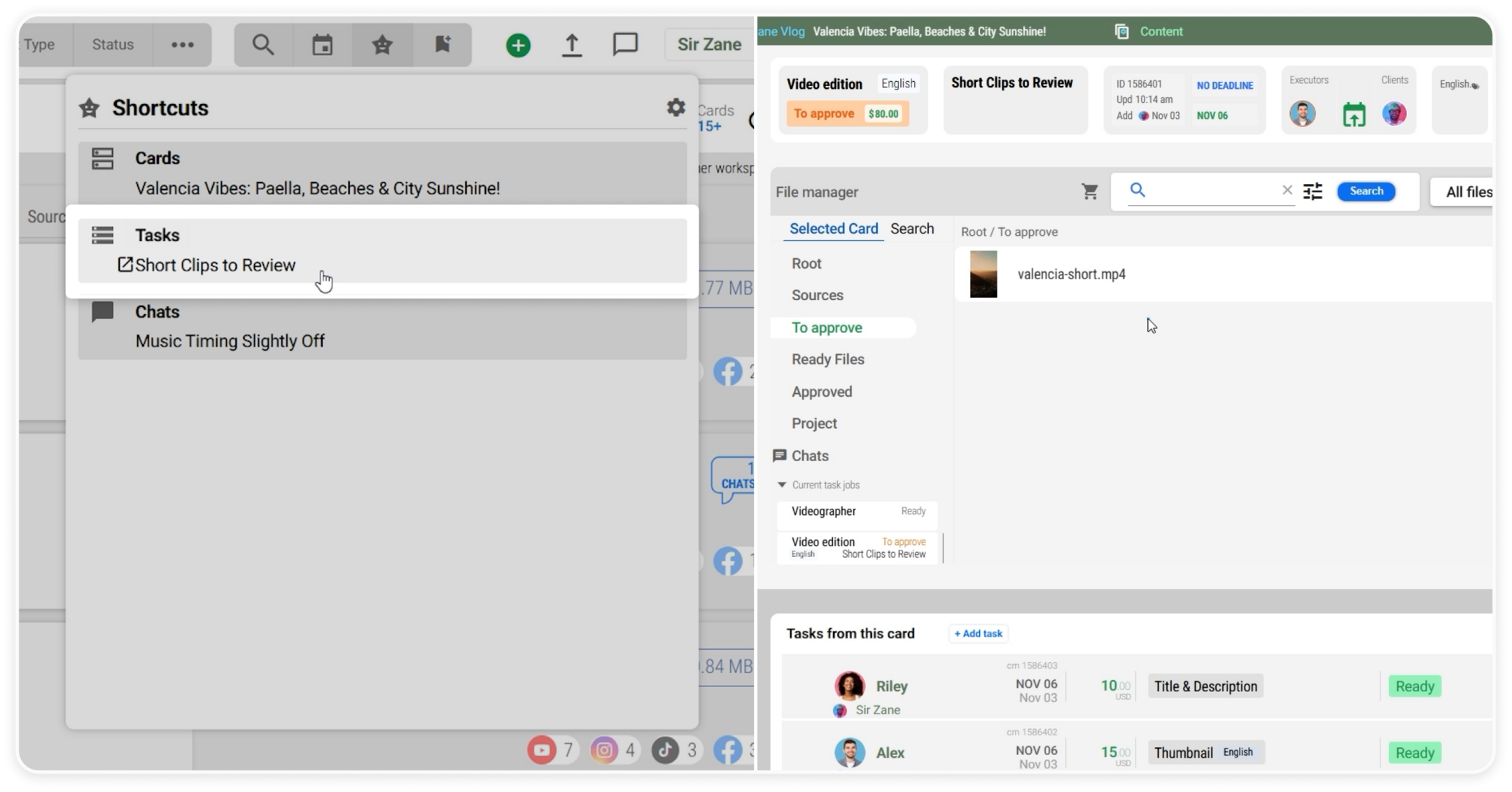 Opening a task instantly through Shortcuts.
Work Faster with a Personalized Workspace
Shortcuts help keep your workspace simple and focused.
With this feature, you can:
- Quickly access frequently used items
- Reduce time spent navigating the platform
- Keep important tasks and conversations within reach
This helps you stay organized and spend more time focusing on your work.