
Filters in Reports.re — Instantly Find What You Need When managing many projects, tasks, and conversations, finding the exact item you need can take time. Reports.re includes powerful filters across the platform to help you quickly narrow down results and locate specific information. With filters, you can focus only on the cards, tasks, or conversations that match your criteria.
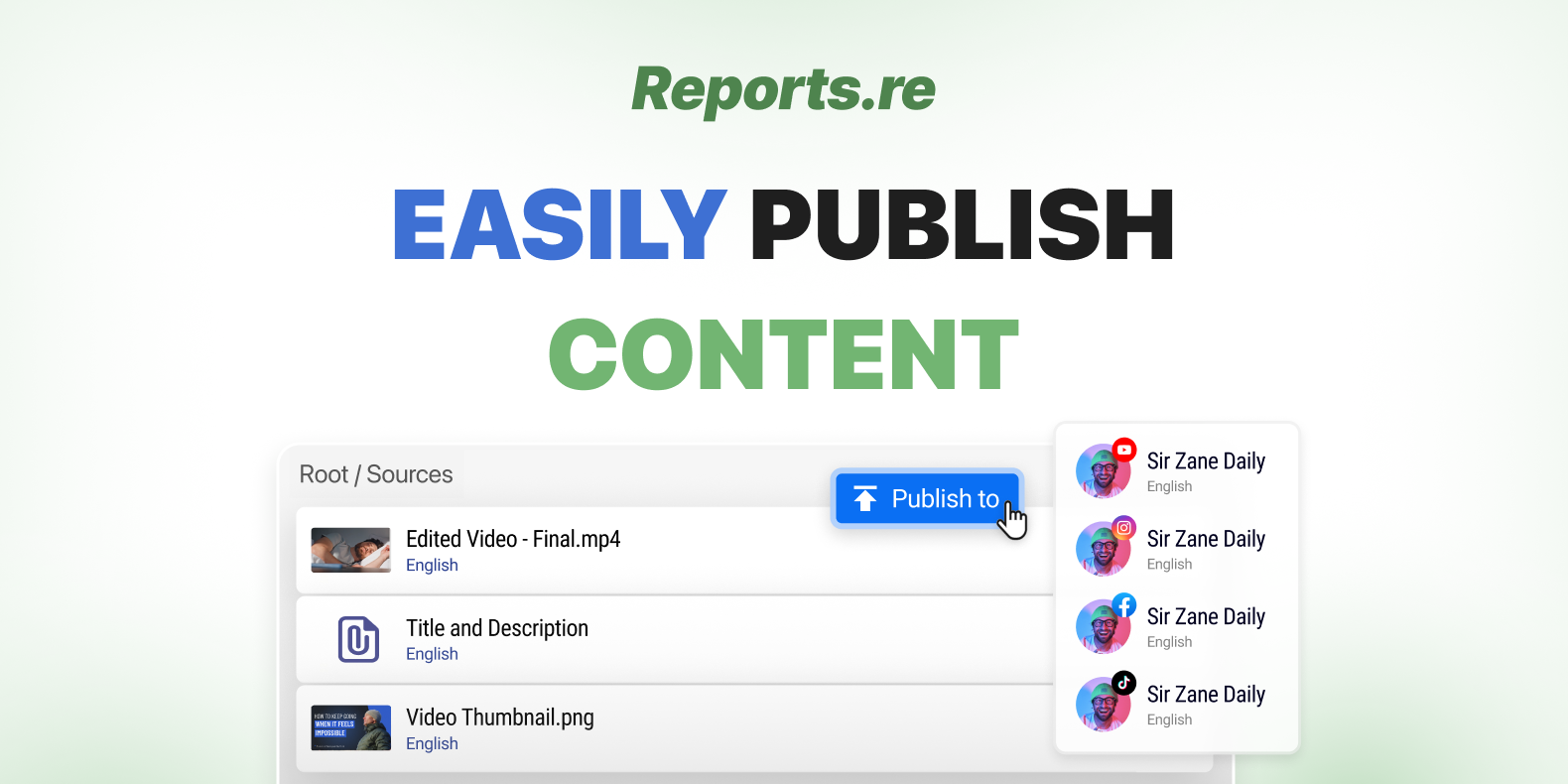
Publishing Content via Reports.re — Easily Schedule and Publish Videos Across Platforms Publishing video content across platforms usually requires managing multiple files, settings, and schedules. Reports.re simplifies this process by allowing you to organize and publish everything from one place. When all your resources are ready, you can quickly prepare and publish your content without manually configuring every element.

Statuses in Reports.re — Stay Organized and Track Progress with Ease When working on multiple tasks, it can be difficult to quickly understand what is in progress, what is waiting, and what is already completed. Statuses in Reports.re help solve this by making the progress of every task easy to see. With clear status indicators, you and your team can quickly understand the current state of work and stay aligned throughout the project.

Regular Schedule in Reports.re — Automate Your Posts and Stay Consistent Publishing content regularly can take a lot of planning and manual scheduling. In Reports.re, the Regular Schedule feature helps automate this process so your posts are published consistently over time. Instead of scheduling each post individually, you can define a schedule once and let the system handle the publishing automatically.
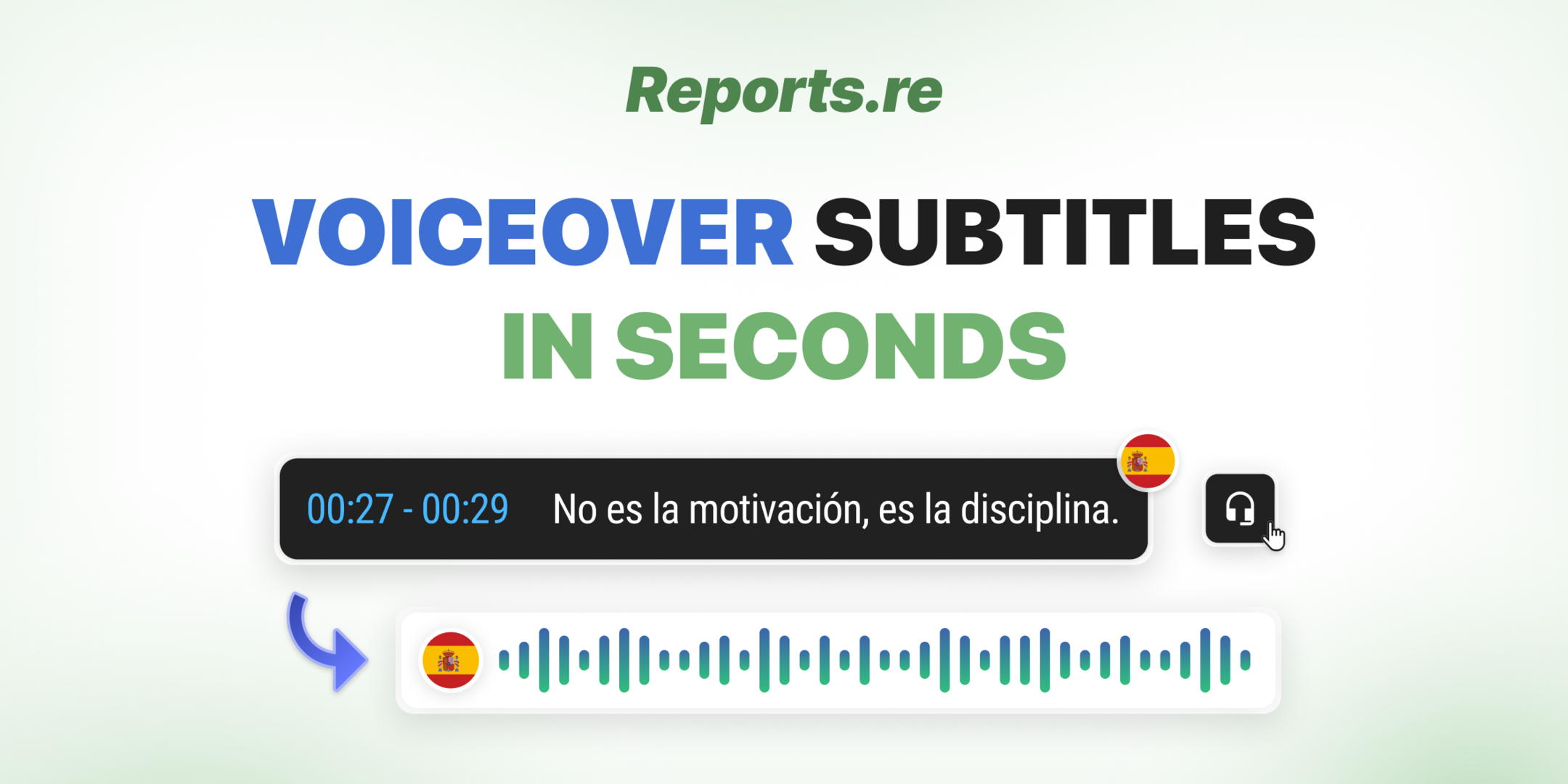
Voiceover Subtitles in Reports.re — Turn Subtitles into Natural Voiceovers in Seconds with AI Sometimes a video already has subtitles in another language, but the spoken audio is still in the original language. This can make the video harder to understand for viewers who prefer listening instead of reading. In Reports.re Video Editor, you can turn subtitles into a natural sounding voiceover using AI. This allows you to quickly add narration that matches the subtitle language without recording new audio.
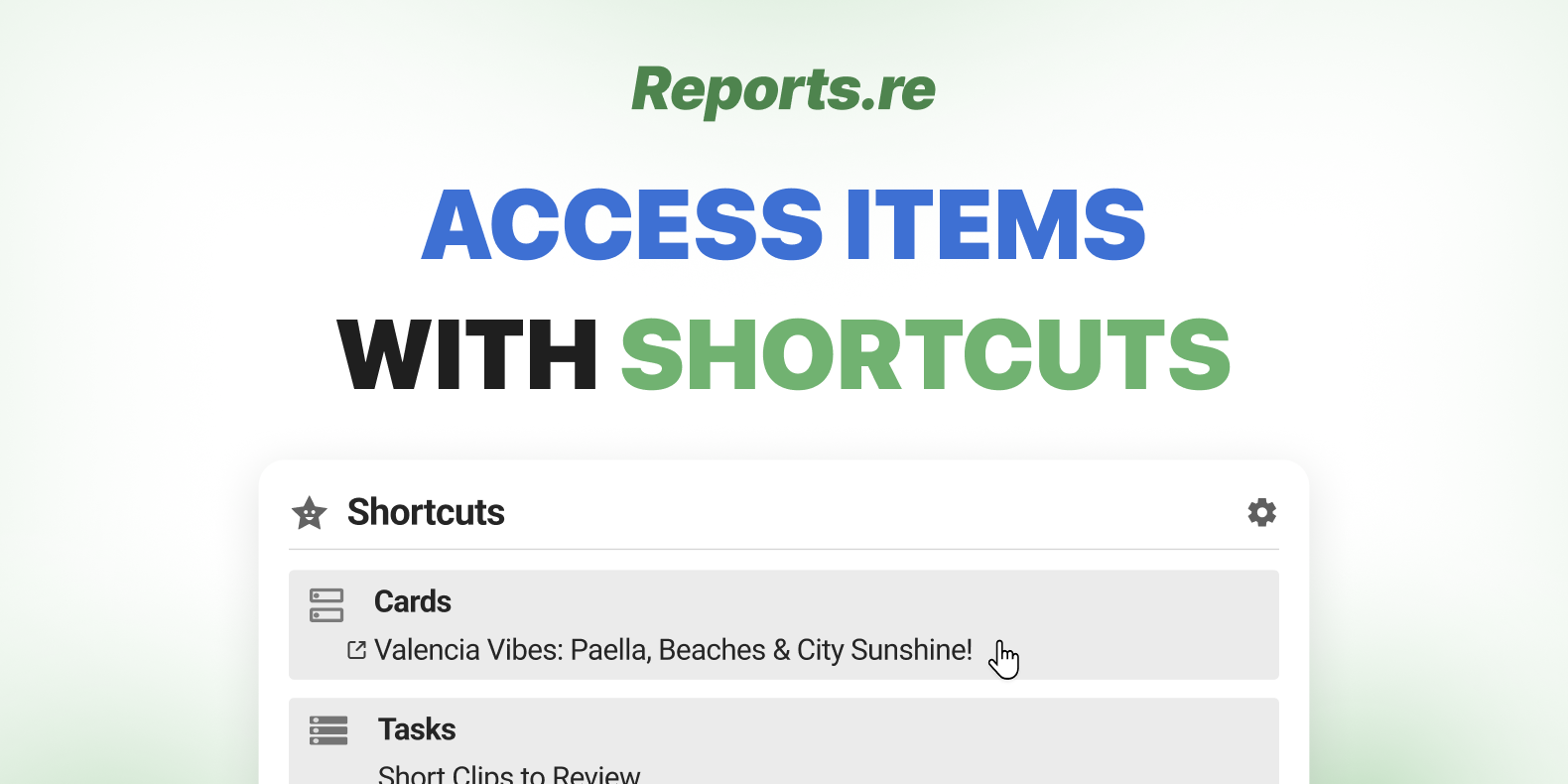
Shortcuts in Reports.re — Access Items Faster When working on multiple projects, tasks, and conversations, switching between sections can slow down your workflow. Reports.re makes this easier with Shortcuts, a feature that keeps your most important items in one place. By marking items as shortcuts, you can quickly access the things you use most without searching through different sections.

Adding Corrections to Video and Photo Files in Reports.re Clear and structured feedback is essential in any creative workflow. Whether reviewing a video draft or checking a final photo, precise corrections help teams move faster and avoid miscommunication. Reports.re provides an integrated correction system that allows feedback to be added directly to video and photo files, ensuring clarity and efficiency across the workspace.
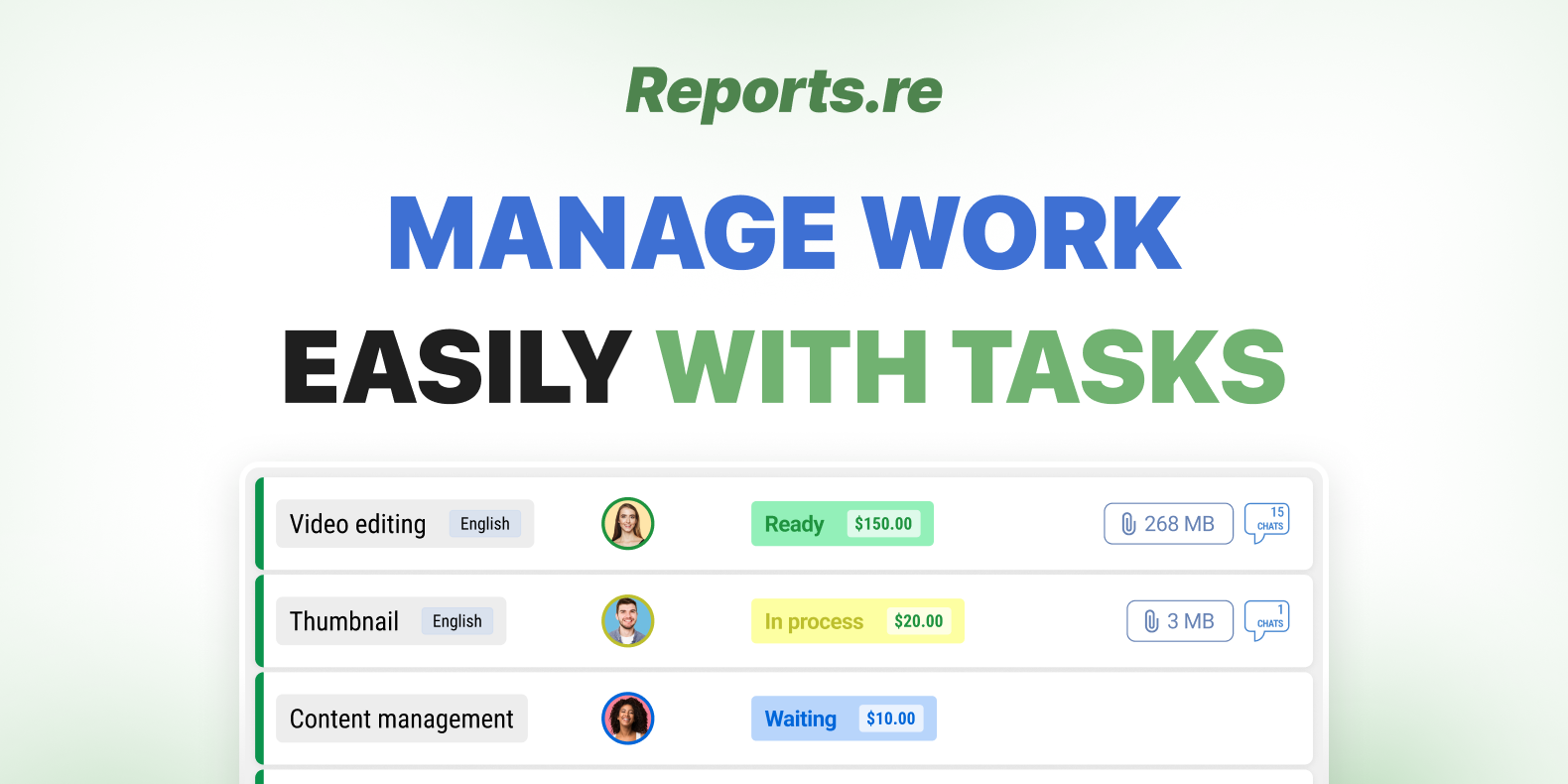
Tasks in Reports.re — Manage Every Work Easily and Stay Organized Managing a video project involves multiple moving parts, from planning and execution to communication and delivery. In Reports.re, each of those moving parts is organized into a structured system called Tasks. Tasks help you break down complex projects into manageable units, ensuring clarity, accountability, and smooth collaboration from start to finish.
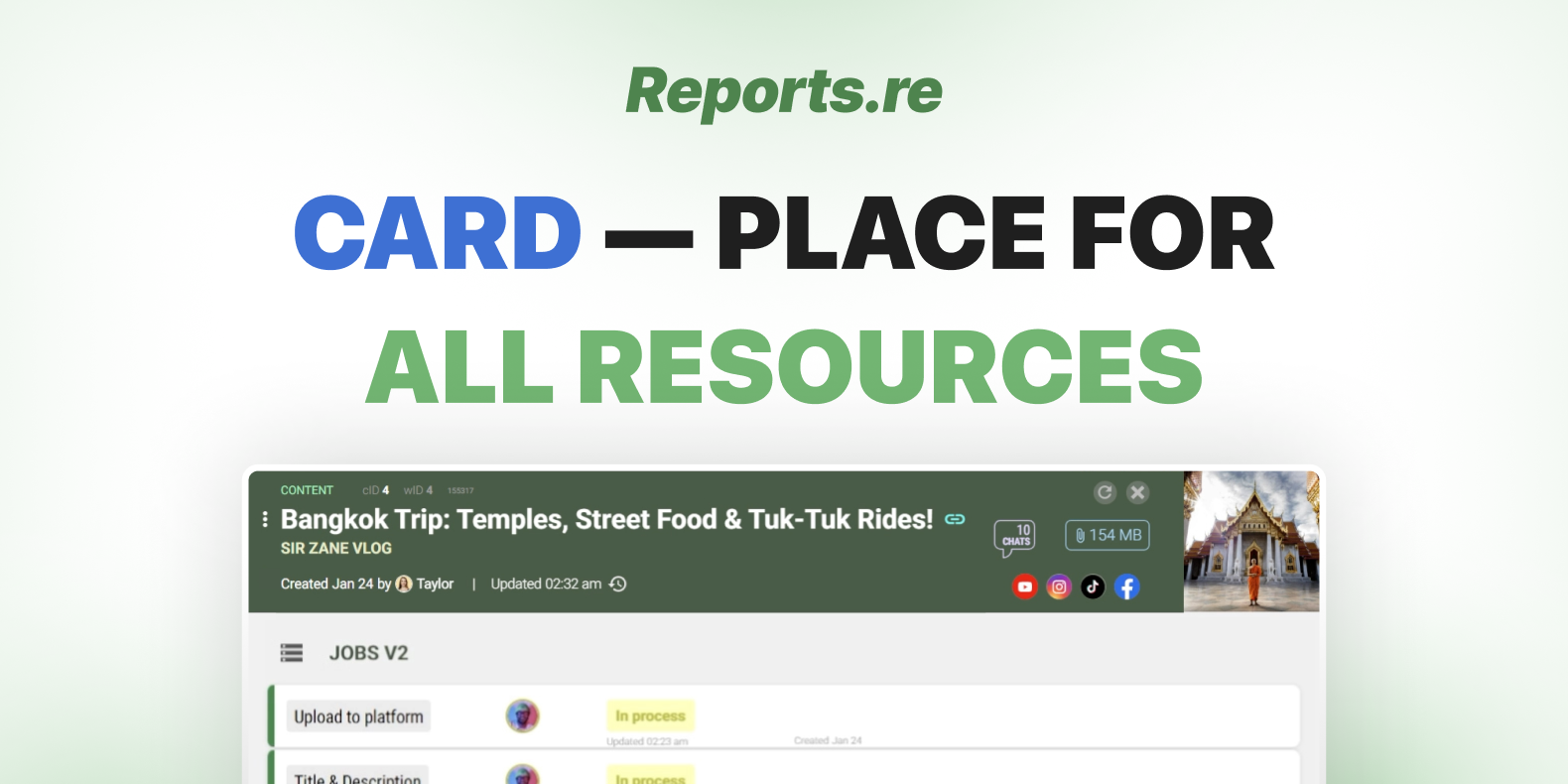
Cards in Reports.re — A Powerful Tool for Organization & Productivity (Content Creator Use Case) Managing content production across multiple platforms can quickly become overwhelming. From recording and editing to publishing and tracking performance, each step involves different people, files, and decisions. Cards in Reports.re are designed to centralize everything into one structured and easy-to-manage workspace.
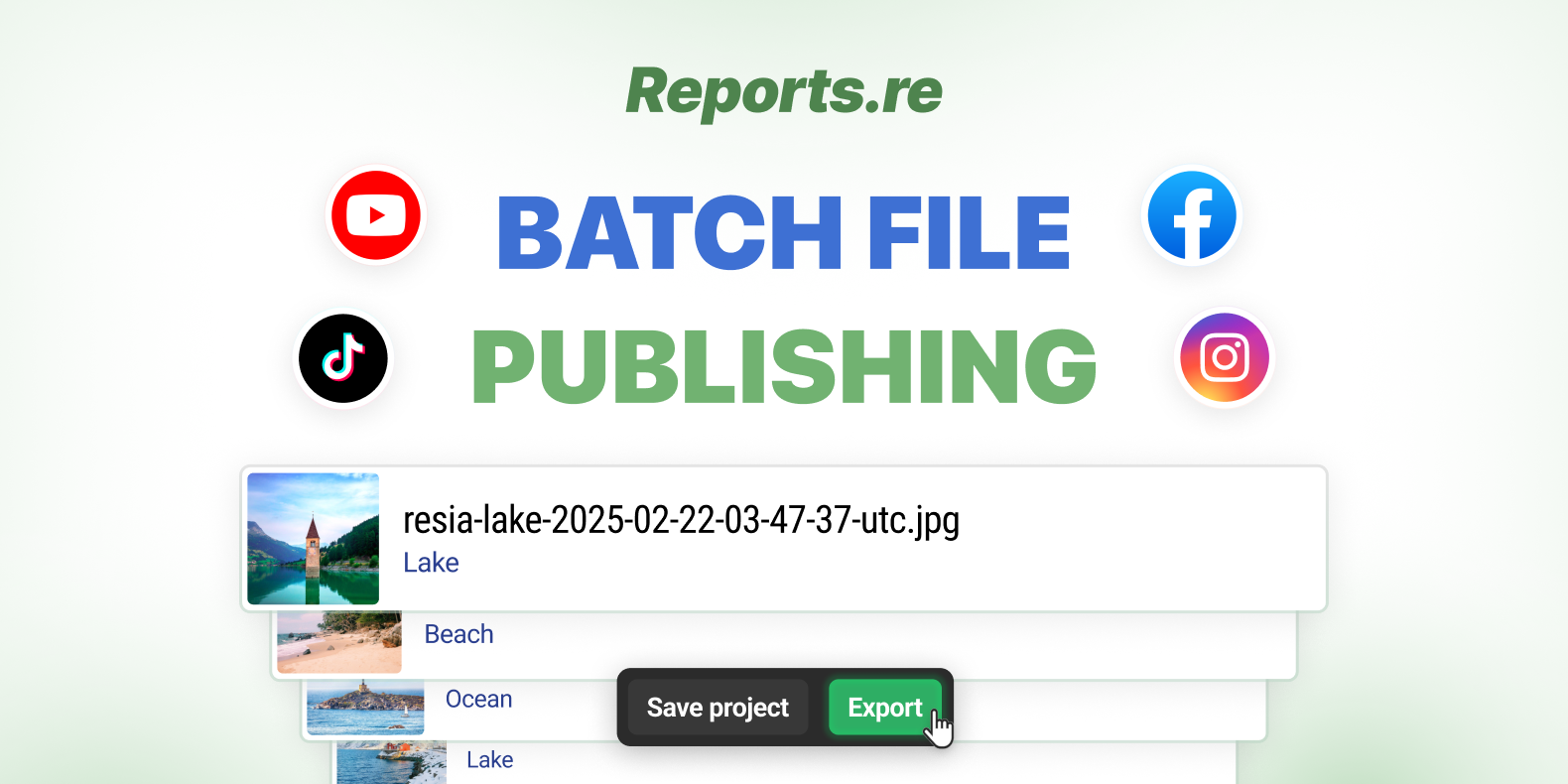
Batch Publishing Assistant in Reports.re — Publish Multiple Files at Once with Ease Managing multiple pieces of content across different platforms can quickly become time consuming. The Batch Publishing Assistant in Reports.re is designed to simplify that process. With this feature, you can upload multiple files, configure publishing details once, and distribute your content efficiently across several platforms in just a few steps.